For the field team
Clock in and see your hours.
Employees tap to start their shift. Their approved work summary shows both hours worked and hours counted for pay. They can also add a note and photos to a job.
My Diriqo · Google Play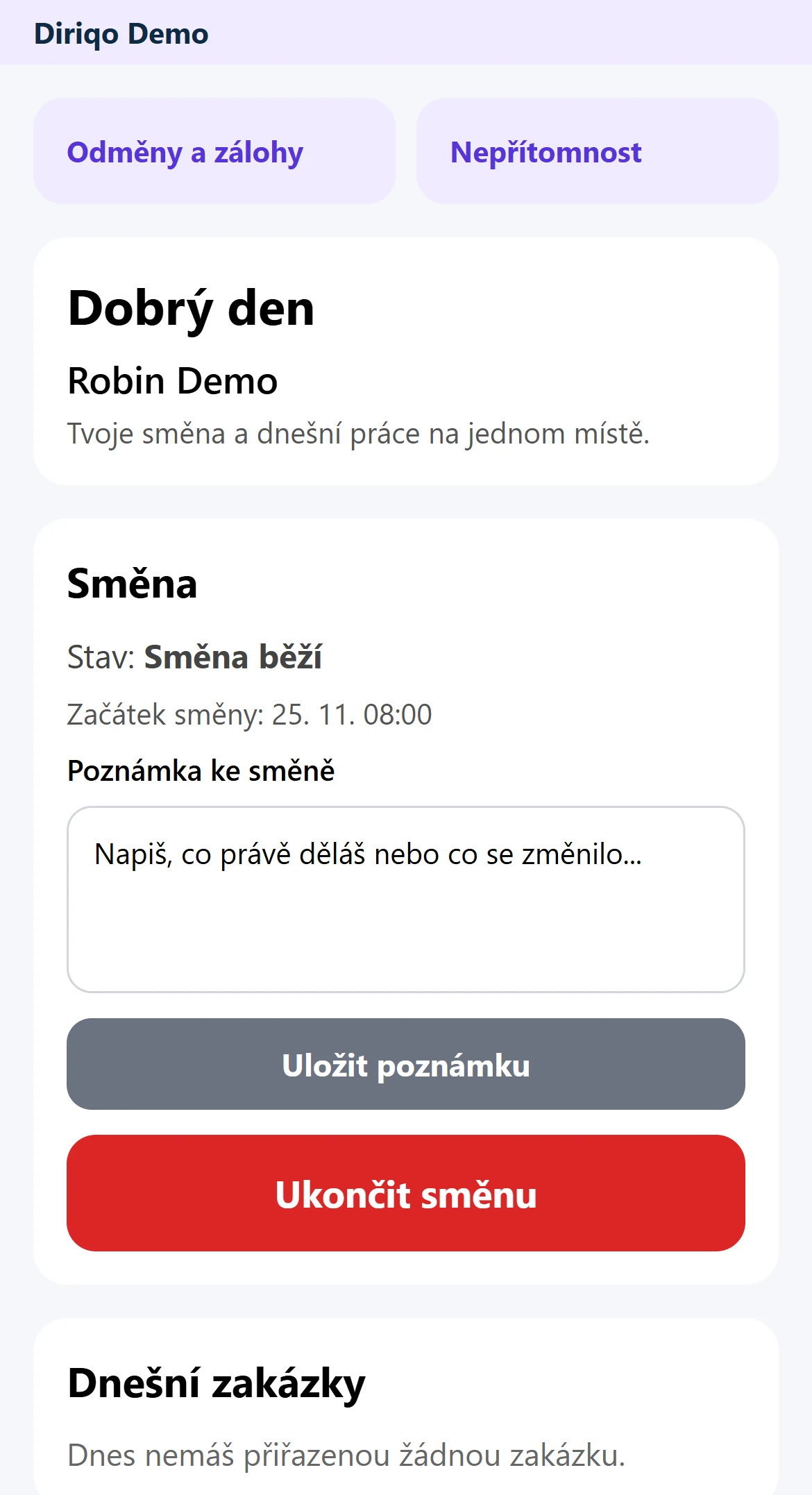
Mobile apps
Two Android apps. One for the person doing the job, another for the person managing it.
For the field team
Employees tap to start their shift. Their approved work summary shows both hours worked and hours counted for pay. They can also add a note and photos to a job.
My Diriqo · Google Play
For the business owner
Owners and managers can check jobs, open shifts and documents. Access follows their role and the company's active modules.
Diriqo Manager · Google Play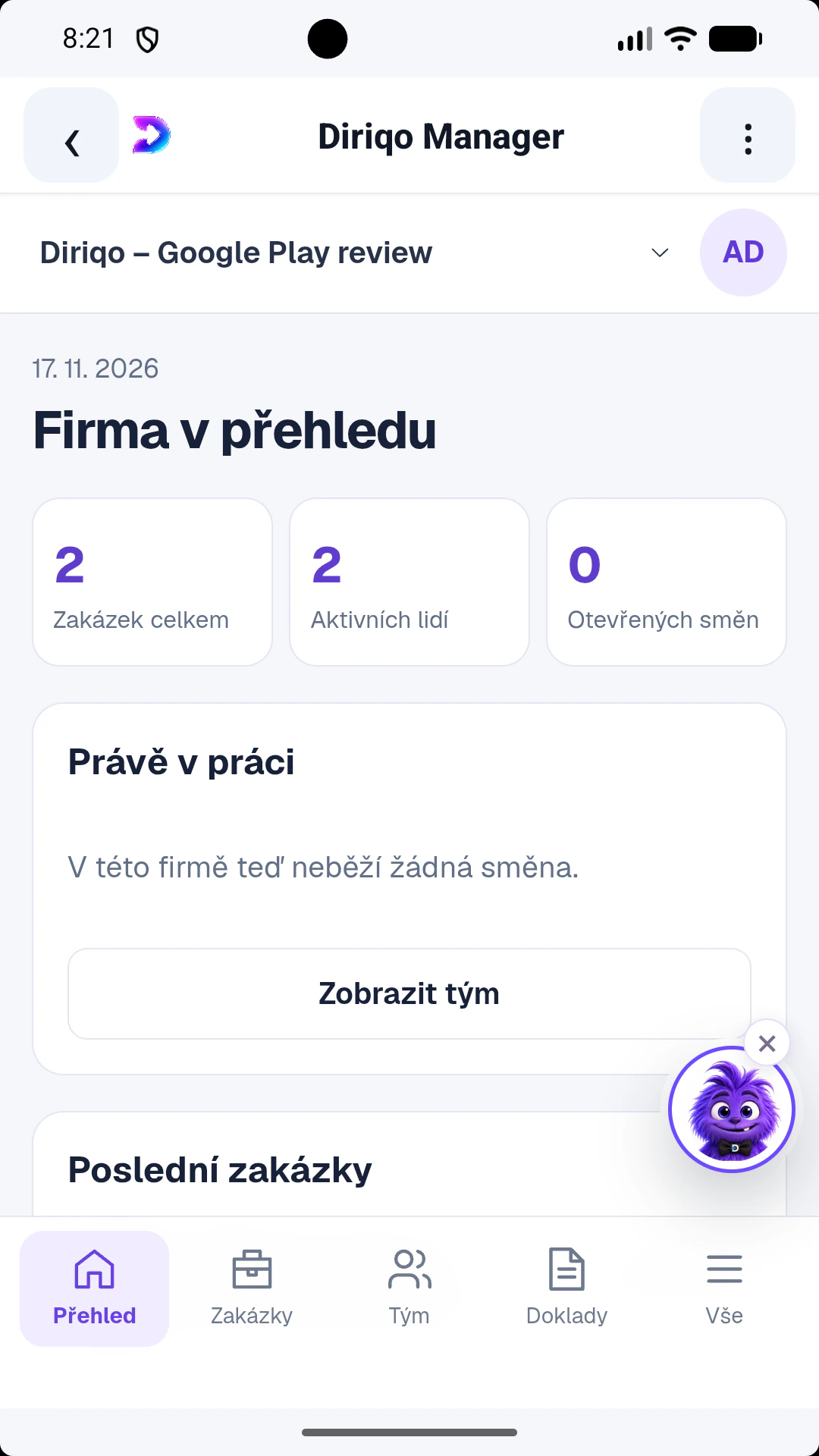
After the first sign-in and download, My Diriqo can save attendance, work, photos and checklists on your phone. Check upload status once online. Manager can keep a recent overview and pending documents.
My Diriqo
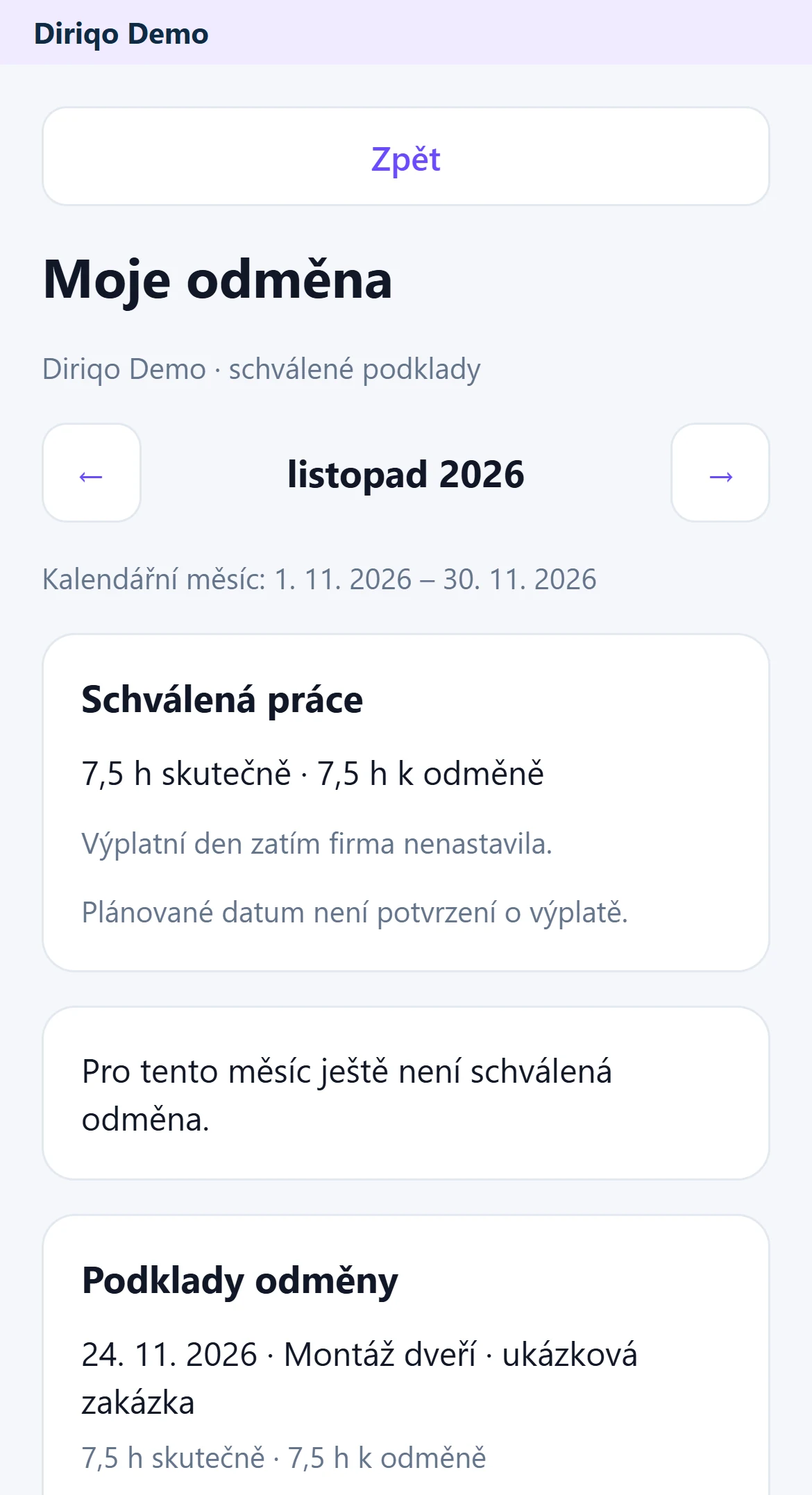
Employees open their approved work in the earnings overview. Hours worked and hours counted for pay are shown separately, so they can check the record on their phone.
Watch the hours overviewDiriqo Manager
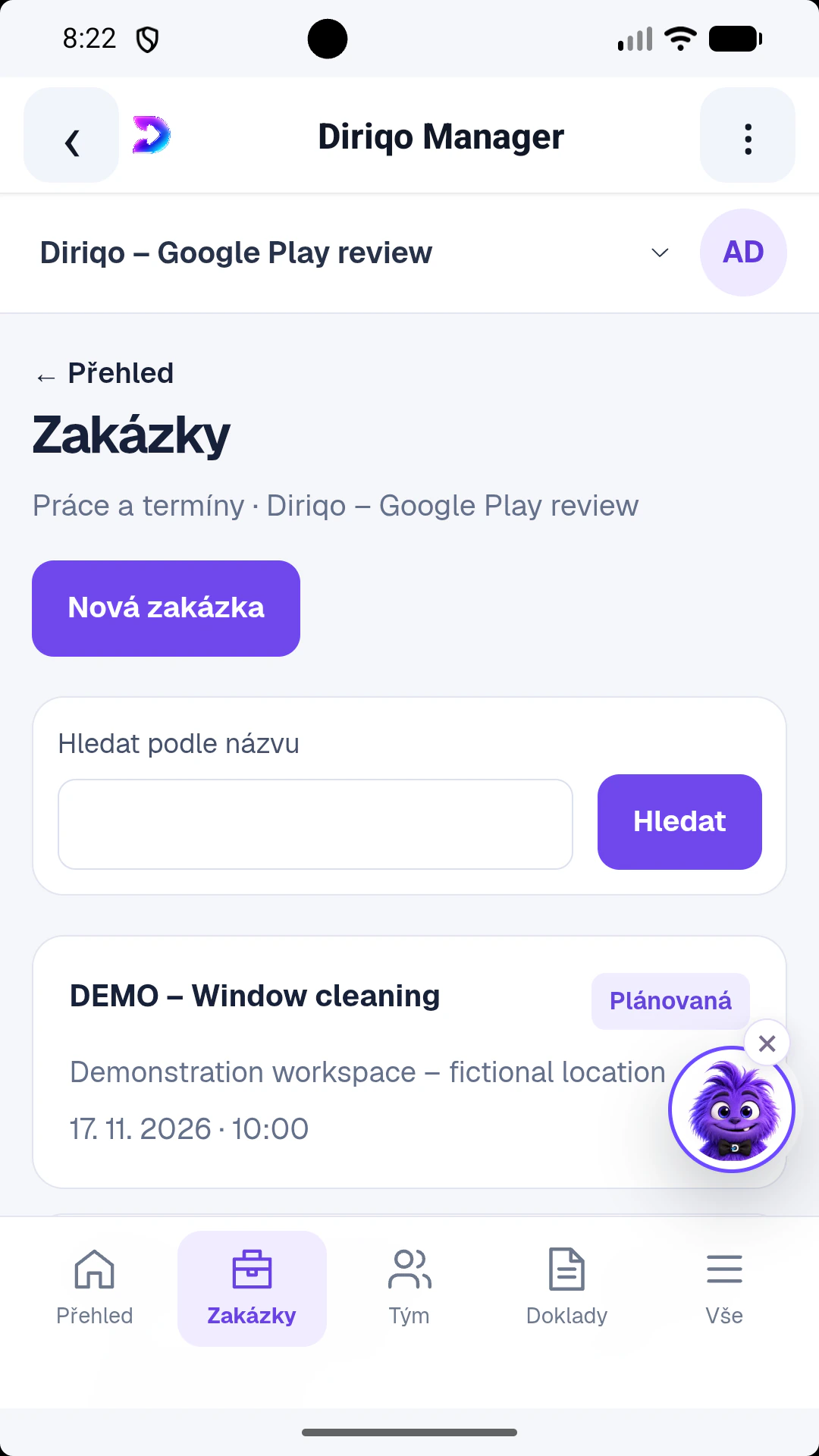
Managers can open the company overview, check open shifts and find their team’s jobs.
Watch Diriqo ManagerNew customers based in Czechia have 14 days to try Diriqo Core. Start with one job, assign a colleague and review their hours at the end of the shift.